Quick Answer: Your blog posts may take weeks to rank due to various factors like insufficient optimization, poor keyword targeting, or delays in indexing. To improve your ranking speed, focus on high-quality content, SEO Best Practices, and consider using tools like CrawlFaster for automated indexing to accelerate the process.
INTRODUCTION
You've spent hours crafting the perfect blog post—researching, writing, and optimizing—but when you hit "publish," the traffic doesn't flow immediately. Instead, it might take weeks for your post to gain visibility on search engines. This delay can feel discouraging, especially when your competitors seem to dominate the SERPs effortlessly. Understanding why your blog posts lag in ranking is critical for your growth as a publisher. By addressing these obstacles, you can enhance your content’s visibility and engagement. Here at CrawlFaster, we specialize in Google Search Console indexing automation and can help you get your posts noticed faster and more effectively.
TABLE OF CONTENTS
- 1. Understanding the Delay in Ranking
- 2. Step 1 of 5: Conducting Keyword Research
- 3. Step 2 of 5: On-Page SEO Essentials
- 4. Step 3 of 5: Content Quality Matters
- 5. Recommended Resource
- 6. Step 4 of 5: Internal and External Linking
- 7. Step 5 of 5: The Importance of Indexing
- 8. Analyzing Your Competitors
- 9. Using Google Search Console Effectively
- 10. Case Study: Fast-Tracking Indexing
- 11. Frequently Asked Questions
- 12. Conclusion
1. Understanding the Delay in Ranking
Several reasons contribute to the slow ranking of your blog posts, primarily revolving around SEO inefficiencies, poor keyword strategy, and delays in search engine indexing. When you publish content, search engines need to discover it, evaluate its quality, and determine where it fits in the SERPs. If your site lacks authority or your content doesn’t align with user search intent, it might remain buried in the results for weeks.
2. Step 1 of 5: Conducting Keyword Research
Effective keyword research is the foundation of SEO success. It helps you identify what your target audience is searching for and ensures that your content meets their needs.
How to Conduct Keyword Research:
- Use Tools: Employ tools like Google Keyword Planner and SEMrush to gather insights into search volume and competition.
- Long-Tail Keywords: Focus on long-tail keywords, which often have less competition and higher conversion rates.
- Search Intent: Ensure you’re aligning your keywords with user intent. For example, “best running shoes” signifies a buying intent, while “how to choose running shoes” indicates a learning intent.
| Keyword Type | Competition | Search Volume | Suggested Use |
|---|---|---|---|
| Short-Tail | High | 10k+ | Brand Awareness |
| Mid-Tail | Medium | 2k-10k | General Interest |
| Long-Tail | Low | <2k | Specific Solutions |
| Local Keywords | Medium | Varies | Target Local Audience |
3. Step 2 of 5: On-Page SEO Essentials
Once you've selected your keywords, it’s essential to optimize your blog posts for on-page SEO. This includes the title tag, headers, and meta descriptions.
Key Elements of On-Page SEO:
- Title Tags: Incorporate your primary keyword toward the beginning.
- Headers: Use H1, H2, and H3 tags effectively—make sure to place keywords here as well.
- Meta Descriptions: Craft compelling descriptions that encourage clicks, while including your target keywords.
Notably, optimizing snippets can increase your CTR by up to 30%, further speeding up ranking.
4. Step 3 of 5: Content Quality Matters
Quality is king in the realm of SEO. Google’s algorithms prioritize content that delivers value, engages users, and meets search intent.
What Constitutes Quality Content:
- Originality: Avoid duplicating existing content; unique insights can set you apart.
- Structure: Use bullet points, lists, and images to make your content digestible.
- Engagement: Write in a conversational tone to keep readers on the page longer.
Depth of Content
Extensive articles can outperform shorter ones in terms of ranking. Aim for a word count of 1,500–2,500 words for in-depth coverage, as Google favors comprehensive resources.
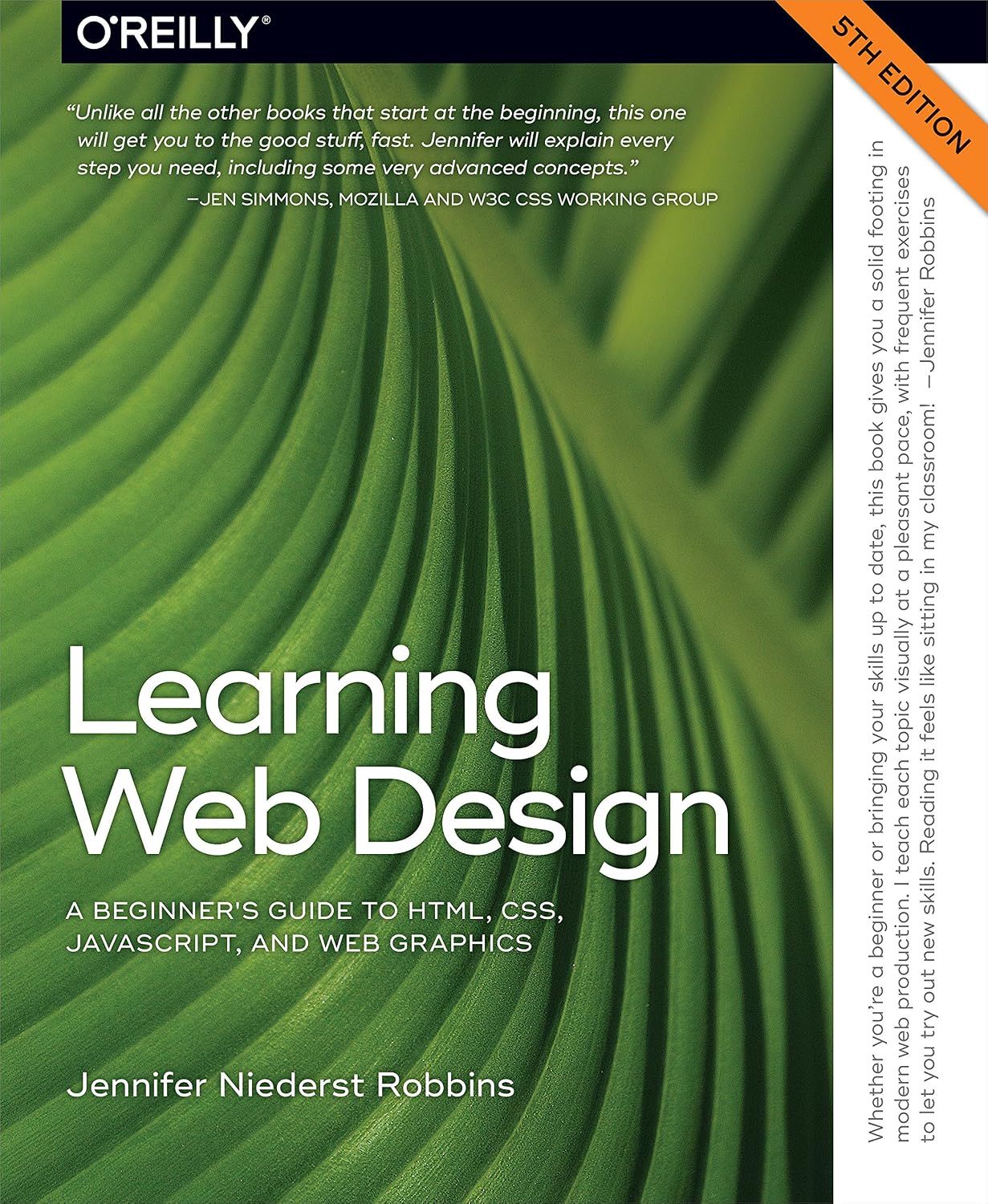
Recommended Resource: The Art of SEO — This indispensable guide helps you understand how SEO works and provides actionable strategies to improve your blog ranking. Available on Amazon →
5. Step 4 of 5: Internal and External Linking
Linking is an often-overlooked aspect of SEO that can drastically improve your blog’s ranking.
Importance of Internal Links:
- Navigation: Internal links guide users across your site, improving user experience.
- SEO Juice: They distribute page authority throughout your website, bolstering new posts.
External Links:
Linking to authoritative sources can improve trustworthiness. Aim for a mix of at least 2-3 external links in each post.
6. Step 5 of 5: The Importance of Indexing
After publishing, ensuring that search engines index your content is crucial. Delays in indexing can extend the time it takes for you to rank.
How to Ensure Fast Indexing:
- XML Sitemap: Submit a clean, updated XML sitemap to Google Search Console.
- Robots.txt: Make sure your Robots.txt file doesn't block search engines from crawling your site.
- Use CrawlFaster: Our platform automates the indexing process, reducing the time from publication to visibility.
7. Analyzing Your Competitors
Conducting a competitor analysis is essential for understanding the landscape of your niche.
Steps to Analyze Competitors:
- Identify Competitors: Look for websites that rank for your target keywords.
- Analyze Content: Evaluate their blog posts in terms of length, engagement, and optimization.
- Backlink Profiles: Use tools like Ahrefs to see which sites link to your competitors. This can inform your own backlink strategy.
8. Using Google Search Console Effectively
Google Search Console is a crucial tool for monitoring your blog’s SEO performance.
Tips for Using GSC:
- Performance Reports: Regularly check performance reports to see which queries bring traffic.
- Indexing Coverage: Address any indexing issues immediately to avoid delays.
- URL Inspection Tool: Use this to request indexing of new or updated URLs.
9. Case Study: Fast-Tracking Indexing
Before:
A blog post took over 30 days to index and start ranking, resulting in missed traffic opportunities.
After:
By incorporating CrawlFaster and optimizing their sitemap and internal linking, the same post was indexed in just 3 days, gaining search visibility and organic traffic early on.
10. Frequently Asked Questions
Q: Why is my new blog post not ranking at all?
A: New blog posts may not rank if they lack quality, do not meet search intent, or face competition from established sources. Use SEO best practices to improve.
Q: How can I check if my post is indexed?
A: Use the "site:yourdomain.com/your-post-title" query in Google to check if your post appears in search results. You can also monitor indexing status via Google Search Console.
Q: What is the significance of backlinks?
A: Backlinks act as votes of confidence from other sites, positively impacting your site's authority and search rankings.
Q: Should I update old blog posts?
A: Yes, updating old posts can revitalize traffic and rankings, as fresh content is favored by search engines.
Q: How often should I publish new content?
A: Aim for consistency; whether weekly or bi-monthly, regular publishing keeps your site active and enhances indexing efficiency.
Q: Can I use paid ads to improve SEO quickly?
A: While paid ads increase visibility, they do not directly improve organic rankings. Focus on long-term SEO strategies for lasting results.
Q: What types of content rank best?
A: In-depth how-tos, comprehensive guides, and data-driven articles generally perform well in search rankings due to their value.
Q: Why is my traffic plateauing after a spike?
A: Traffic plateaus may indicate that your site lacks ongoing engagement strategies, or your content may have fulfilled its relevance. Refresh and distribute your content continuously.
CONCLUSION
Improving your blog post ranking speed involves a strategic approach encompassing keyword research, content quality, effective linking, and timely indexing. Utilizing tools like CrawlFaster can significantly streamline the indexing process, allowing your content to shine sooner. Ready to speed up your indexing? Try CrawlFaster for free today!